1. Ask for a research packet, not “some news”
“Find interesting AI tools” leaves almost every editorial decision unspecified. Start with one topic and one deliverable. For example, ask for three candidate tools for podcast editing, with an official homepage, the exact job each tool handles and evidence of the feature that makes it worth considering.
A useful first run should fit on one review screen. Specify the audience, the language and what counts as new. A new company, a major feature release and a pricing change are different stories. Ask the bot to distinguish them and to separate the date of an announcement from the date it discovered the page.
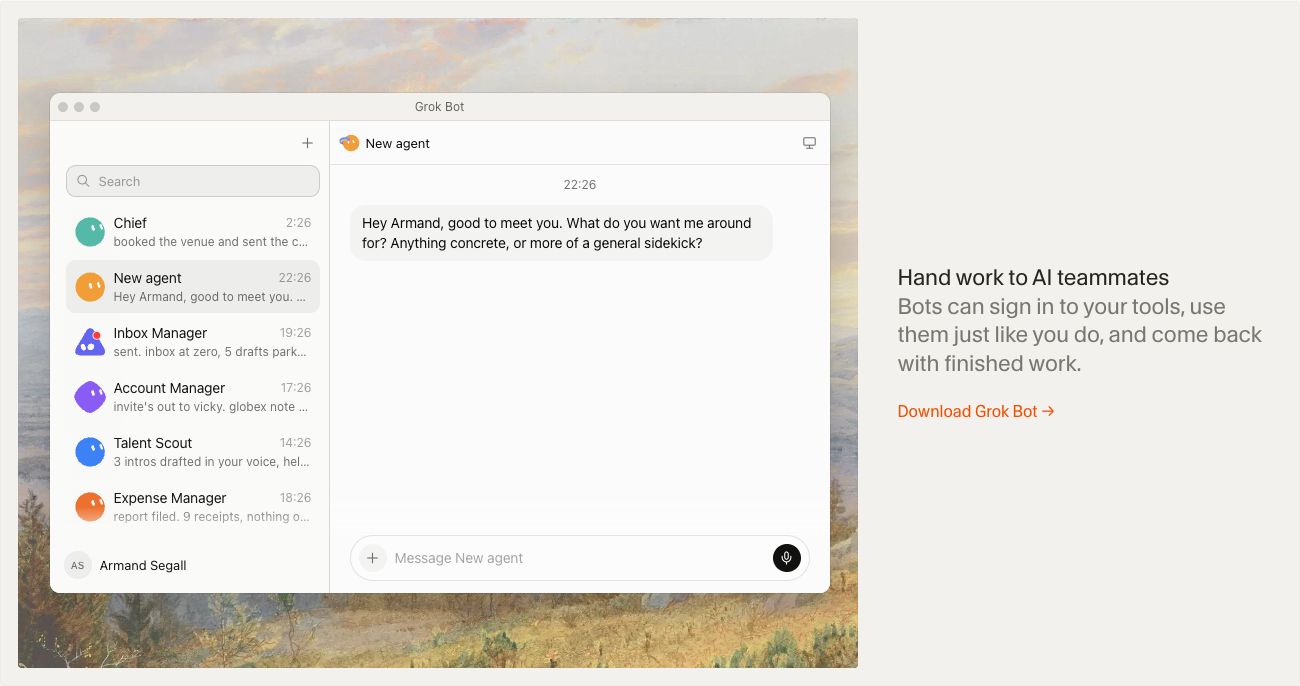
Grok Bot’s official use-case catalog includes competitive research and daily briefings. The assignment below is our own editorial template for evaluating that kind of workflow, not a reproduced vendor case study.
2. Use a brief with a visible finish line
Adapt the original prompt below to your topic. It specifies the research scope, the evidence to collect and the exact deliverable.
Add your exclusions explicitly: “Skip tools already in this list. Do not infer a launch date from a copyright footer. Do not call a product free when only a trial is documented. Separate vendor claims from your own recommendation.” A narrow brief gives you something concrete to evaluate on the first run.
Choose a destination you can review, such as the chat response or an authorized draft document. This tutorial does not assume that your publishing system already has a Grok Bot connector.
3. Make access match the assignment
Begin with public pages. A research bot does not need your advertising account or publishing credentials to identify a candidate tool. The official getting-started guide describes connected tools and review rules; configure the available access around the work you have actually delegated.
One detail changes how you should design a team: the vendor says a user’s bots share the same cloud computer, browser logins and files. Separate bot names do not isolate credentials. If you later connect a CMS, enforce its permissions server-side, with a submission identity that cannot publish and a separately authorized approval identity.
For this first exercise, make the finish line “ready for review.” Give the bot a way to report blocked pages and unanswered questions. A partial packet with honest gaps is easier to repair than a complete-looking draft built on guesses.
4. Review evidence before polishing the copy
Open the official links and check whether each claim describes a current feature, an announced feature or a paid add-on. Compare the candidate’s domain with existing records to catch duplicate listings. If a screenshot is supplied, record which public page it shows and when it was captured; do not present a marketing page as a hands-on test.
Then give specific feedback: “The transcription claim is supported, but the export format is not. Remove that detail. Explain who would use this tool in one sentence. Keep the original source links.” This improves the packet without rewarding confident padding.
- Can an editor trace each important fact to its source?
- Are unavailable details and conflicting claims visible?
- Does the candidate add something useful to the existing directory?
5. Repeat only after the first run is useful
Grok Bot documents routines and bot-to-bot handoffs. Use those after you have an example of an acceptable result. A writer can receive the approved research packet; an editor can receive the resulting draft. Keep the evidence attached as the work moves between roles.
Before increasing frequency, measure what actually costs editorial time: duplicates, stale announcements, unsupported features or irrelevant candidates. Improve the brief around those failures. A small stream of publishable candidates is more valuable than a large queue that nobody wants to moderate.
Go to the source
Sources & further reading
Based on the official documentation below. Features and access can change; check the provider before making a decision.