1. Start with the decision you need to make
“What is the best AI tool?” asks for a winner without saying what winning means. Replace it with a small decision: you need a tool that turns an English tutorial script into narration, lets you revise individual sections and fits your intended commercial use. Now you have criteria that can be checked.
Write a short brief before searching. Include the task, the audience, any non-negotiable requirement and the date on which the information should be current. Keep preferences separate from requirements. A pleasant interface may matter, but it should not quietly replace a required export format in the comparison.
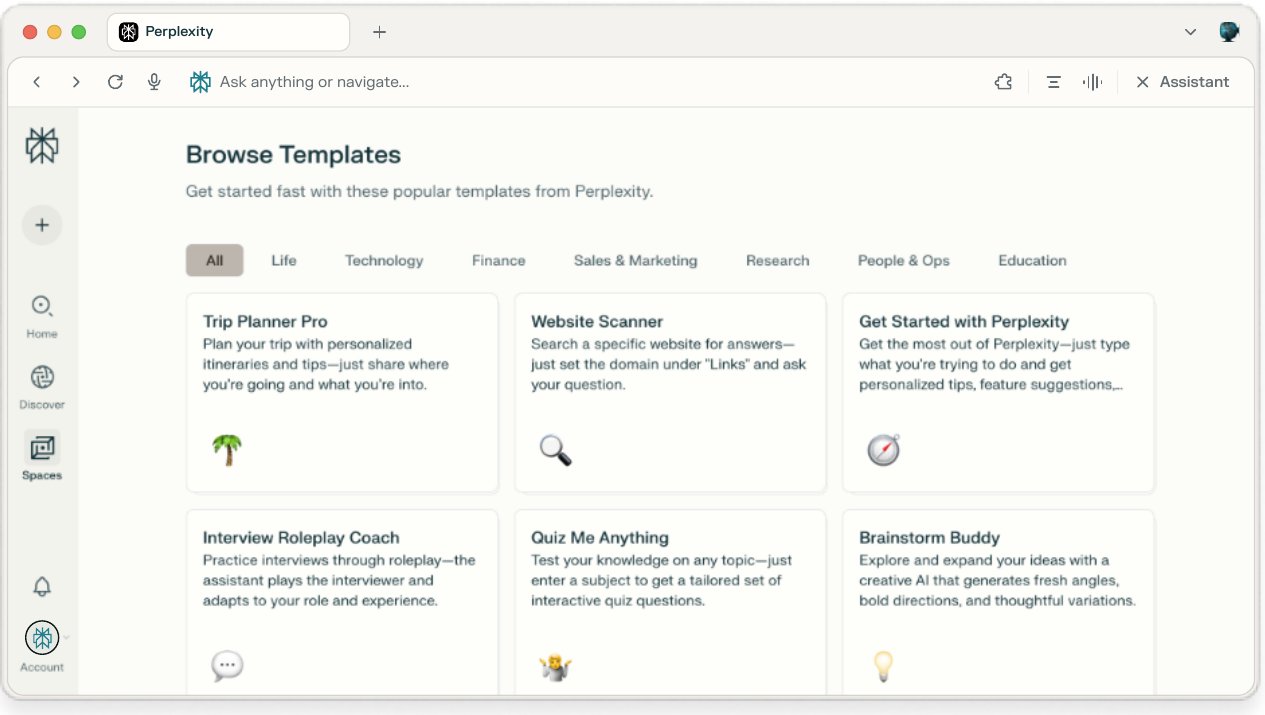
Perplexity’s documented search workflow combines web research, synthesis and source links. We use that as the starting point for an editorial method: discover pages, verify claims, then write the recommendation.
2. Ask for a comparison you can audit
Use the original prompt below to request evidence for each criterion. Replace the voiceover task with your own use case before running it.
If you already have candidates, supply their official URLs. If you do not, ask for a shortlist first and select the candidates before requesting a detailed comparison. This keeps discovery and evaluation understandable instead of letting the answer change the comparison set halfway through.
For a question that needs more investigation, use the deeper search or Research option available on your plan. Perplexity documents different modes and allowances; this guide does not depend on a particular model picker or an unlimited research quota.
3. Open the sources that decide the outcome
Start with the claims that could disqualify a candidate. Open the cited page and find the specific statement. Confirm that it applies to the product and plan being compared. A help article about an API does not automatically establish what the web editor can export.
Check time as well as content. A launch post may describe a beta, while the current documentation has a different limit. Prefer the source that answers the present question, and record the conflict when you cannot resolve it. Several references repeating a press release still represent one underlying assertion.
Write your own brief note beside each checked claim: supported, unclear or contradicted. This is an editorial status, not a scientific confidence score. It makes the next step much easier than trying to remember which parts of a polished answer you already verified.
4. Use follow-ups to resolve one gap at a time
Perplexity supports contextual follow-up questions. Use them to investigate a specific uncertainty: “The page you cited describes the API. Find official documentation for the browser editor’s export options. If you cannot find it, leave the field unknown.” This gives the next search a clear target.
Another useful follow-up is: “What would change this recommendation?” Ask it to identify the assumptions behind the choice, such as generation volume or a required language. Then verify the assumptions that apply to your project. A recommendation is easier to trust when you know its limits.
If you upload a requirements document, label it as your own brief. Keep those requirements distinct from external evidence, and only upload material you are authorized to share with the service.
5. Leave a brief another person can use
Finish with the task, a small comparison, source links, unresolved questions and one next action. That action might be testing a sixty-word script in two shortlisted tools. Avoid turning a vendor’s quality claim into your own hands-on verdict.
Keep a checked date beside time-sensitive details and preserve the original URLs. This guide is a suggested research method based on public product documentation, not an accuracy benchmark. The deliverable is a traceable decision brief: someone else should be able to understand why you shortlisted a tool and what still needs testing.
Go to the source
Sources & further reading
Based on the official documentation below. Features and access can change; check the provider before making a decision.