A visual design workspace with AI writing, image generation and editing tools. Useful for taking campaign ideas into presentations, social posts and other finished layouts.
What is Canva?
Canva combines a visual editor, templates and publishing formats with AI tools for writing and creating or changing images. Its appeal is the connection between an initial asset and its final layout: a generated background can become part of a presentation, social graphic or poster that you continue editing.
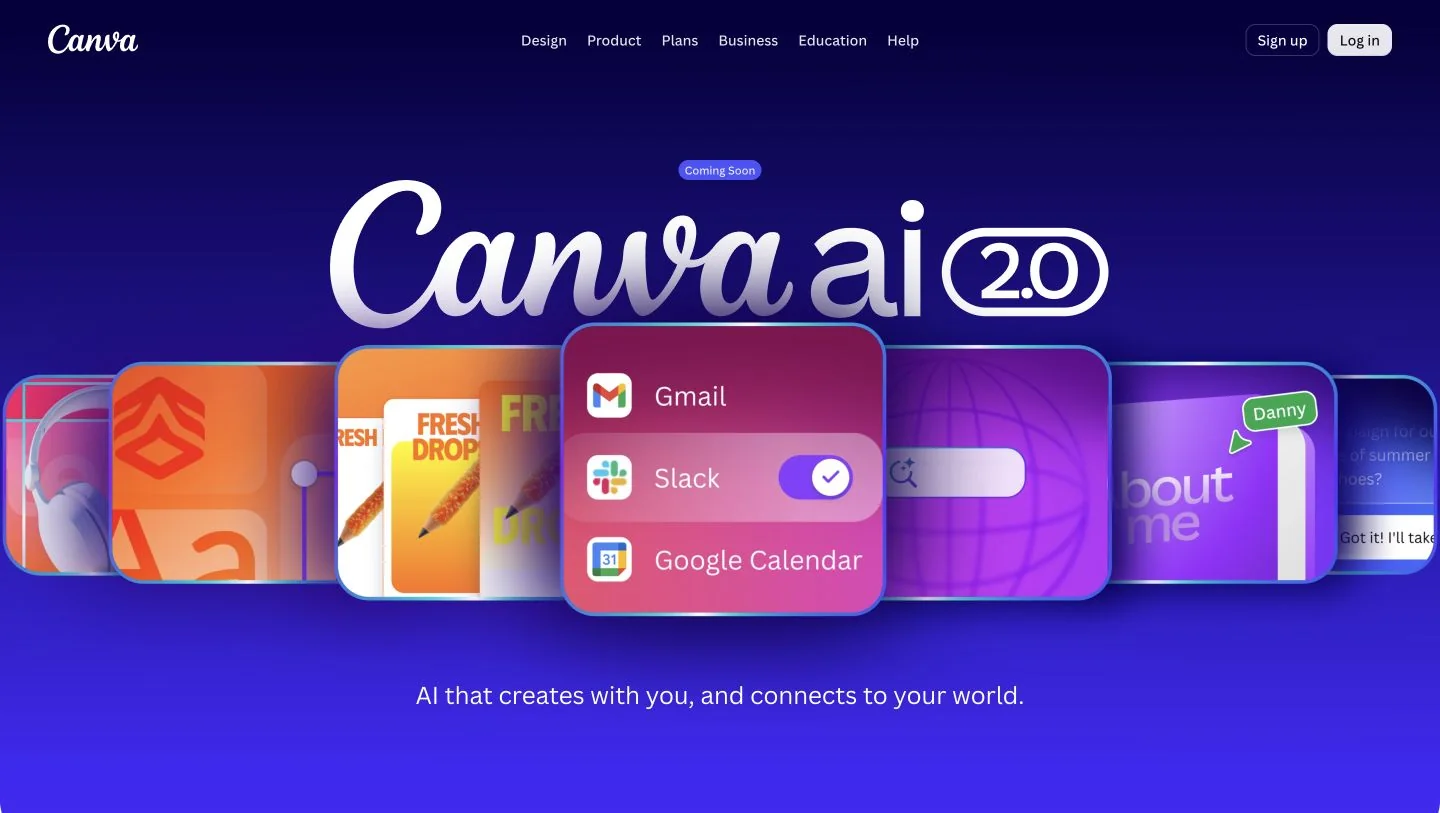
This profile covers the established creative workflow. At our October 9, 2026 check, the official site advertised Canva AI 2.0 but still labelled the update as coming soon. We would not choose a subscription on the assumption that every announced conversational feature is already available.
Build one campaign before scaling it
Our suggested starting project is a three-part announcement: one social post, one presentation slide and one email illustration. Prepare the approved message, logo and audience first. Use Magic Write for draft copy or visual generation for a supporting image, then assemble the result in an editable design.
Keep prices, dates and calls to action as separate text elements so they remain easy to correct. Review a single master design before adapting its dimensions. The useful test is whether you can make consistent changes across the set without repeatedly rebuilding the same layout.
Who should shortlist it?
We would shortlist Canva for a small business producing regular marketing material, an educator building visual lessons or a creator who needs repeatable presentation styles. The combination is particularly relevant when the task ends with readable, branded communication rather than an isolated generated image.
For our proposed evaluation, inspect the exported design at its actual display size. Check heading hierarchy, contrast and small-screen legibility. These are editorial recommendations, not results from a hands-on comparison. A convincing template preview does not establish that your own message will fit well.
Plans and checks before publishing
Canva offers a free tier and paid individual or organization plans. Some AI tools draw from a shared allowance, with different tools consuming it differently; eligible standard tools on paid plans are excluded. Compare your expected mix of writing, image and video work alongside premium assets and collaboration needs.
Canva’s usage guidance says AI output may resemble other generated work and requires appropriate rights for source images. Proofread factual statements, inspect image details and check any assets used in a client deliverable. This is a documentation-based overview; we have not benchmarked output quality or account-specific feature access.
What stands out
- AI writing and visual generation inside a design workspace
- Photo editing and background tools
- Templates and editable visual layouts
- Brand and collaboration features on eligible plans
Before you choose
- AI allowances and premium assets depend on the plan.
- Canva AI 2.0 was marked as coming soon when we checked.
- Generated content still needs accuracy, readability and rights checks.
Go to the source
Sources & further reading
Based on the official documentation below. Features and access can change; check the provider before making a decision.