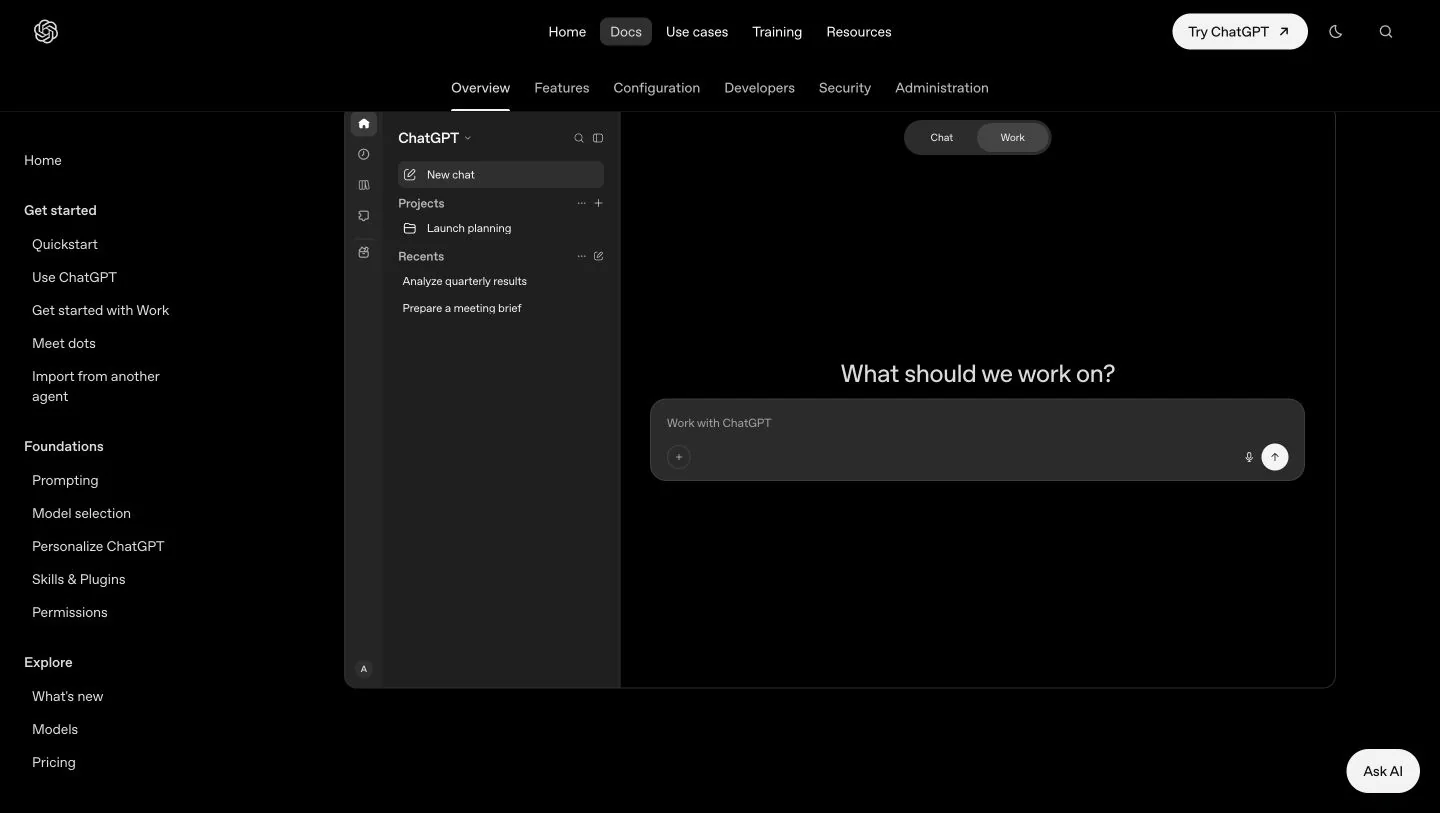
OpenAI’s general-purpose assistant for writing, research, file analysis and creative work. Chat handles conversation; Work can carry a broader task through to a document, spreadsheet, presentation or other reviewable result.
What is ChatGPT?
ChatGPT is an assistant from OpenAI that you direct through ordinary language and supporting material. You can use it to explore an idea, revise a paragraph, investigate a question or work with an uploaded file. Its range makes it a useful general workspace when a job crosses several formats instead of fitting one specialist editor.
OpenAI’s current documentation distinguishes Chat, for conversation and focused requests, from Work, for tasks that may require several steps and tools. Work can produce files such as reports, slide decks and spreadsheets. The distinction matters when you want something you can inspect and hand over, rather than another explanatory message.
A practical way to start
Our suggested first task is a one-page brief built from a small set of your own notes. State the reader, the decision they need to make and the required sections. Attach the relevant material, ask the assistant to identify gaps, and request an outline before expanding the text. This gives you a clear point at which to correct the direction.
For repeat work, projects keep related conversations, files and instructions together. Web research and connected tools can add context when available. Specify which facts must come from your attachments and which need outside verification; otherwise, a plausible explanation may be difficult to distinguish from a fact in the brief.
Review the file, not just the chat
The file workflow supports creating, previewing and revising documents, presentations, spreadsheets and PDFs, with different preview options across web and desktop. Request a specific output format and make revisions against the actual result. A request such as “keep the table, shorten the introduction and label the assumptions” is easier to assess than “make it better.”
We would evaluate a spreadsheet by checking several calculations against the source data, and a report by opening the evidence behind its main claims. For slides, inspect the exported file at presentation size. These are suggested review steps, not findings from a benchmark or a hands-on test of this profile’s examples.
Plans, limits and who it suits
ChatGPT has free and paid individual plans as well as organization offerings. Tool access and allowances are not identical across plans or accounts. OpenAI documents shared usage between Work and Codex, and explains that task complexity, context, tools and model settings affect consumption. API pricing is separate from subscription usage.
Shortlist it if your day involves moving between writing, research and files, and you are willing to supply context and review the output. Before buying a higher tier, try one representative task and note what actually stopped you: a missing feature, an allowance, insufficient source material or the amount of editing required. This overview is based on the official documentation below.
What stands out
- Conversational drafting, revision and explanation
- File-based analysis and web research
- Projects for keeping related context and instructions together
- Work mode for tasks involving tools and finished files
- Image creation and editing on supported plans and surfaces
Before you choose
- Available tools and models depend on the plan, platform, rollout and workspace settings.
- An answer or a finished-looking file still needs factual and visual review.
- Longer tasks, model choices and tools can consume different amounts of your allowance.
Go to the source
Sources & further reading
Based on the official documentation below. Features and access can change; check the provider before making a decision.