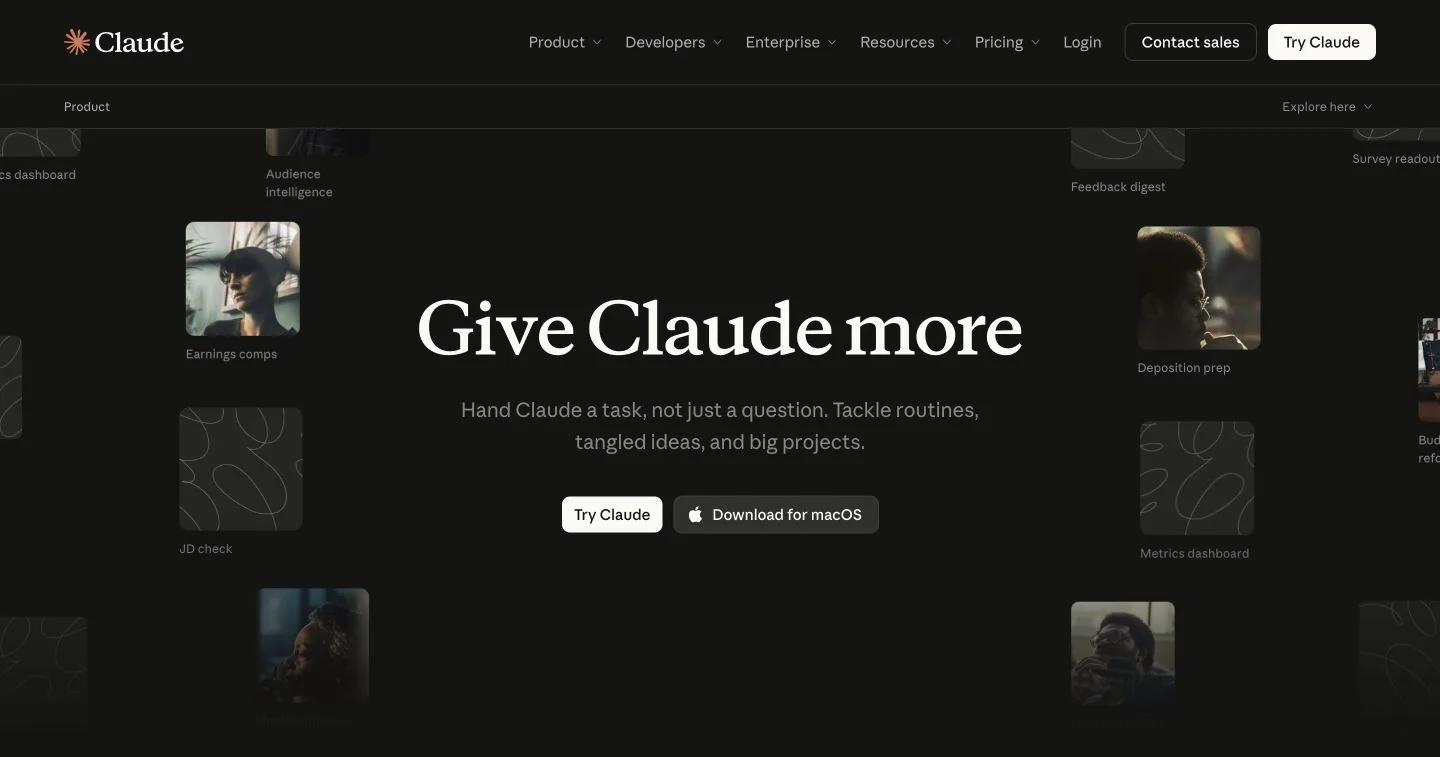
Anthropic’s AI assistant for writing, working with documents and developing reusable outputs. Projects keep context together, while Artifacts give drafts, designs and interactive tools a place beside the conversation.
What is Claude?
Claude is Anthropic’s AI assistant, available through web, desktop and mobile apps. Its documented capabilities include conversation, web search, file creation and code execution. This profile focuses on knowledge work: turning notes and reference material into a structured draft, then improving that draft through specific feedback.
It is worth considering when your task has context that a one-line prompt cannot express. An editorial brief, interview notes and an approved terminology list give the assistant something concrete to work from. Our recommendation is to state the audience and acceptance criteria before asking for prose.
Keep the brief and the output organized
Projects collect reference material and instructions for related work. For a recurring newsletter, for example, you could supply the house style and previous approved issues, then start each assignment with its current source packet. The project documentation distinguishes existing workspaces from a newer beta rolling out in stages; your account may show either experience.
Artifacts give substantial outputs their own editing area beside the conversation. Anthropic documents uses including documents, slide decks, designs and small interactive tools. Pick a format around the handoff: a written brief for an editor, or a prototype when someone needs to explore an interaction. Inspect the result in its final format before sharing it.
A useful research-to-draft workflow
Start by asking for an outline and a list of missing evidence. Where current information matters, request web search and open the cited pages yourself. Claude’s search documentation describes linked sources and direct page retrieval; neither removes the need to check whether a page supports the exact statement being made.
Next, draft one section against the approved outline. Ask Claude to separate facts from interpretation and flag unresolved claims. Review the structure before polishing the wording. This staged approach is our suggested workflow, not a report of measured writing quality or a guarantee that every reference will be correct.
What to check before choosing a plan
A free plan provides an entry point; paid individual and organizational plans offer different allowances, features and administration. Compare the current plan table with the work you expect to repeat. For connected apps or team material, also check who can access the underlying sources and the resulting artifact. This overview is based on the official documentation linked below.
What stands out
- Projects with reference files and project instructions
- Artifacts for editable documents, designs and interactive outputs
- Web search with source citations
- Chat, file creation and code execution, subject to plan capabilities
Before you choose
- Generated claims and citations still need an editorial check.
- Models, usage allowances and feature availability vary by plan and rollout.
- Connected tools and shared outputs deserve a permissions check before use.
Go to the source
Sources & further reading
Based on the official documentation below. Features and access can change; check the provider before making a decision.