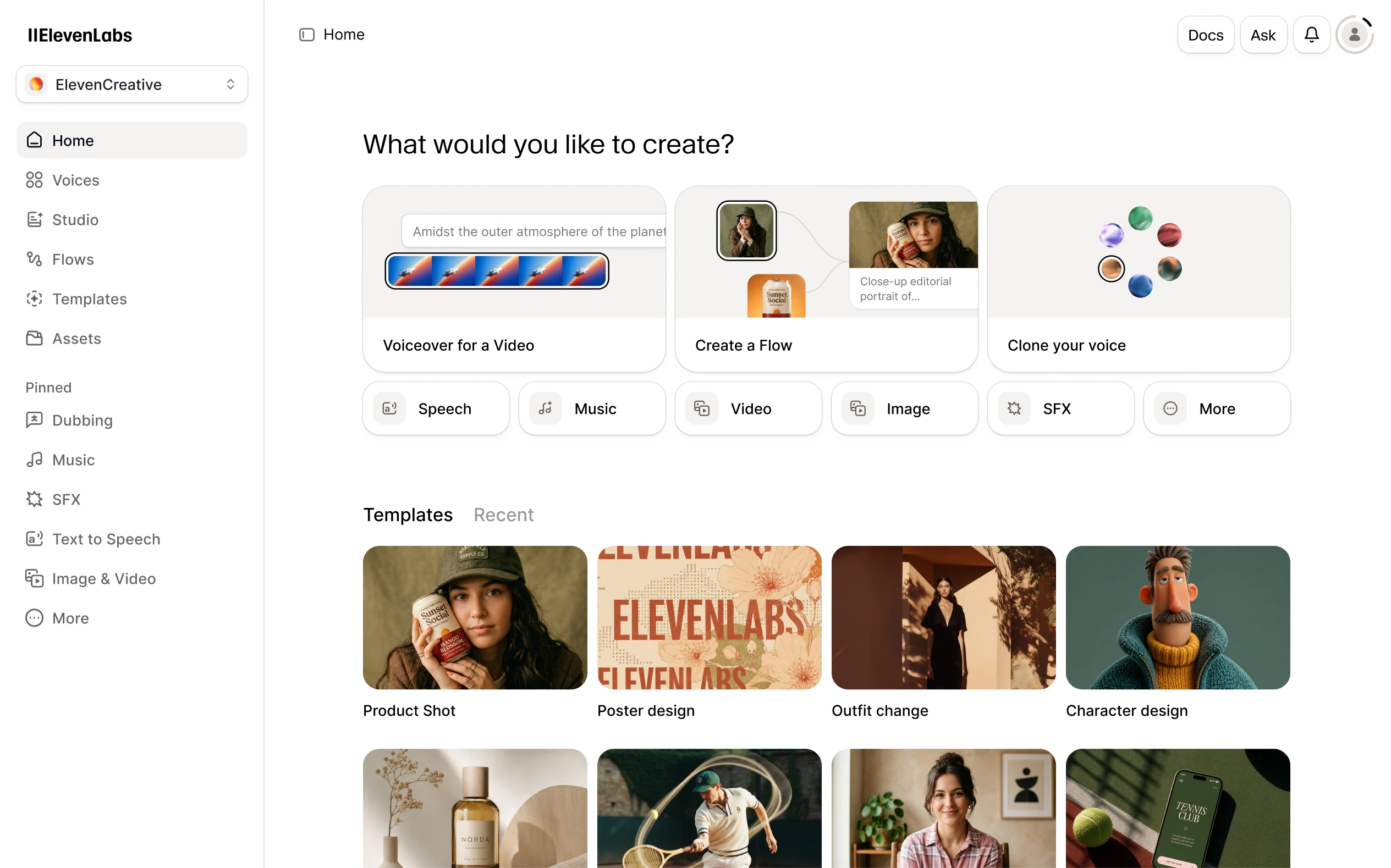
Create voiceovers, edit narrated projects and explore voice agents in one audio platform. A useful starting point for creators turning a finished script into spoken content.
What is ElevenLabs?
ElevenLabs brings several audio workflows together. Its public product range includes text-to-speech, speech recognition, dubbing and conversational agents. This overview focuses on the creator workflow: taking a script, choosing a voice and producing narration that you can use in a video, lesson or audio edition.
The useful distinction is between generating a take and finishing a project. A short voiceover can begin in Text to Speech. A longer piece benefits from an editor where sentences, pauses and accompanying media can be arranged deliberately. Choose the workspace around the job you need to finish.
From script to finished audio
The Text to Speech product guide describes a straightforward sequence: enter text, select a voice, choose a model and generate. Those choices matter together. Do not assume that a control available for one model appears for every other model; ElevenLabs documents different settings for its newer and older speech models.
For longer work, Studio provides chapters and a timeline. Its documentation describes paragraph-level narration, music and sound effects, with audio export options. That makes it a candidate for projects where you want to revise a section without treating an entire recording as one inseparable file.
Who should shortlist it?
Shortlist ElevenLabs if you already know what you want to say and need a flexible way to produce spoken versions. A tutorial maker can test the opening of a screencast; a small publisher can plan an audio companion to a guide; a product team can evaluate speech in a prototype through the API.
Our suggested evaluation is small and specific: use the same sixty-word script with two voices, include your brand name and a difficult number, then compare intelligibility and delivery. A polished sample on a vendor website cannot tell you how your own terminology will sound.
What to check before committing
The pricing page separates creative, agent and API offerings. Check the allowance and export quality for the workflow you actually intend to run, as well as the commercial-use terms. Revisions deserve a budget too: changing a script or voice can require generating new audio.
Keep a pronunciation list, save the approved script alongside the export and listen to the final file from beginning to end. These are our editorial workflow recommendations, not results from a hands-on benchmark. This profile is based on the official material linked below.
What stands out
- Text-to-speech with a choice of voices and models
- Studio for arranging narration, music and other media
- Voice design and cloning options
- APIs for adding speech to your own product
Before you choose
- Commercial usage rights depend on your plan and input rights.
- Language support and available controls differ between models.
- Pronunciation, pacing and generated takes still need a listening pass.
Go to the source
Sources & further reading
Based on the official documentation below. Features and access can change; check the provider before making a decision.