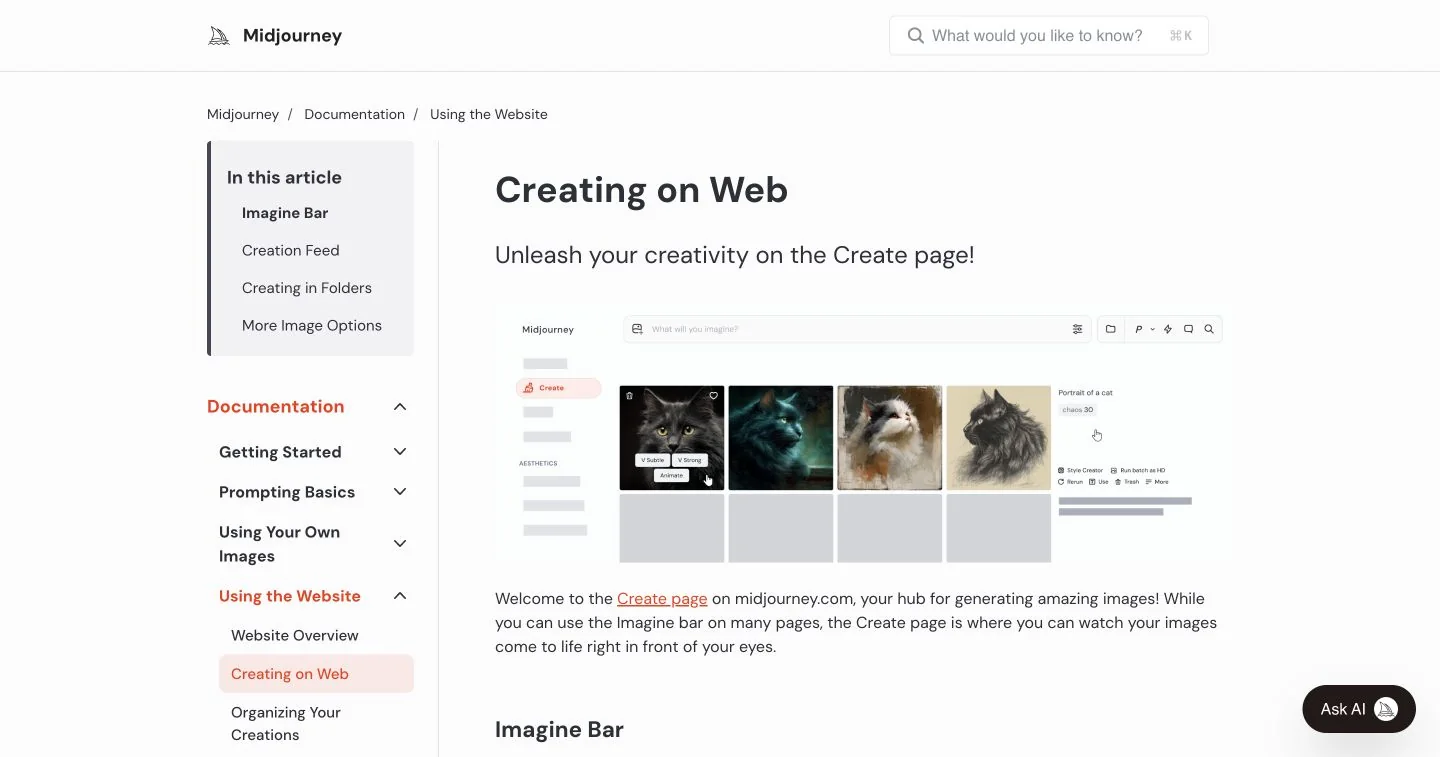
An AI image and video creation service with text prompts, visual references and editing tools. A candidate for moodboards, editorial concepts and exploring several looks before committing to a final composition.
What is Midjourney?
Midjourney is a subscription service for generating images and videos. Its web Create page accepts a written prompt in the Imagine bar; you can also provide images as creative guidance. The official workflow includes refining a result and organizing completed creations, so a session can continue beyond the first set of generated options.
We would shortlist it for exploring an illustration direction, a campaign moodboard or the atmosphere of a scene. Define what the image needs to communicate before choosing a style. A visually striking result still has to fit the article, layout or client brief it was made for.
Build a repeatable visual workflow
For an editorial illustration, start with a short description of the subject, setting and intended composition. Generate a small selection, choose one direction and revise a single variable at a time. Midjourney documents variations, upscaling and editing tools for continuing the work; use the control that matches the change you need.
Style References transfer qualities such as color, texture, medium and lighting. The documentation explicitly distinguishes this from copying the objects or people in the reference. A useful exercise is to keep one reference while changing the subject, then check whether the results belong together visually. This is our suggested evaluation, not a tested consistency score.
Check visibility before uploading a brief
Midjourney describes its community as open by default: generated work may appear on the public Explore page, including work created in Discord direct messages. Stealth mode is available on Pro and Mega plans and hides creations on the Midjourney website. It does not hide a post from people who can see the Discord channel where it was made.
For unpublished client material, establish the intended visibility before uploading references. The plan comparison also distinguishes GPU allowances, generation modes and video options. Match those constraints to the number of revisions you expect, and check the current commercial terms and your rights to any supplied material.
Judge the finished asset, not the thumbnail
Our recommended final review is at the size and crop you will publish. Inspect important details, check that the composition leaves room for the layout and keep the prompt with the approved export. Budget time for conventional editing where the brief demands precision. This profile summarizes vendor documentation; it does not claim hands-on image-quality testing.
What stands out
- Text-to-image creation through the web interface
- Style References for a consistent visual direction
- Image prompts, variations and editing tools
- Image-to-video generation and an organized creation library
Before you choose
- Creations are discoverable by default; Stealth is limited to eligible plans.
- A style reference guides the look rather than copying its people or objects.
- Plan allowances, input rights and commercial terms need checking for client work.
Go to the source
Sources & further reading
Based on the official documentation below. Features and access can change; check the provider before making a decision.