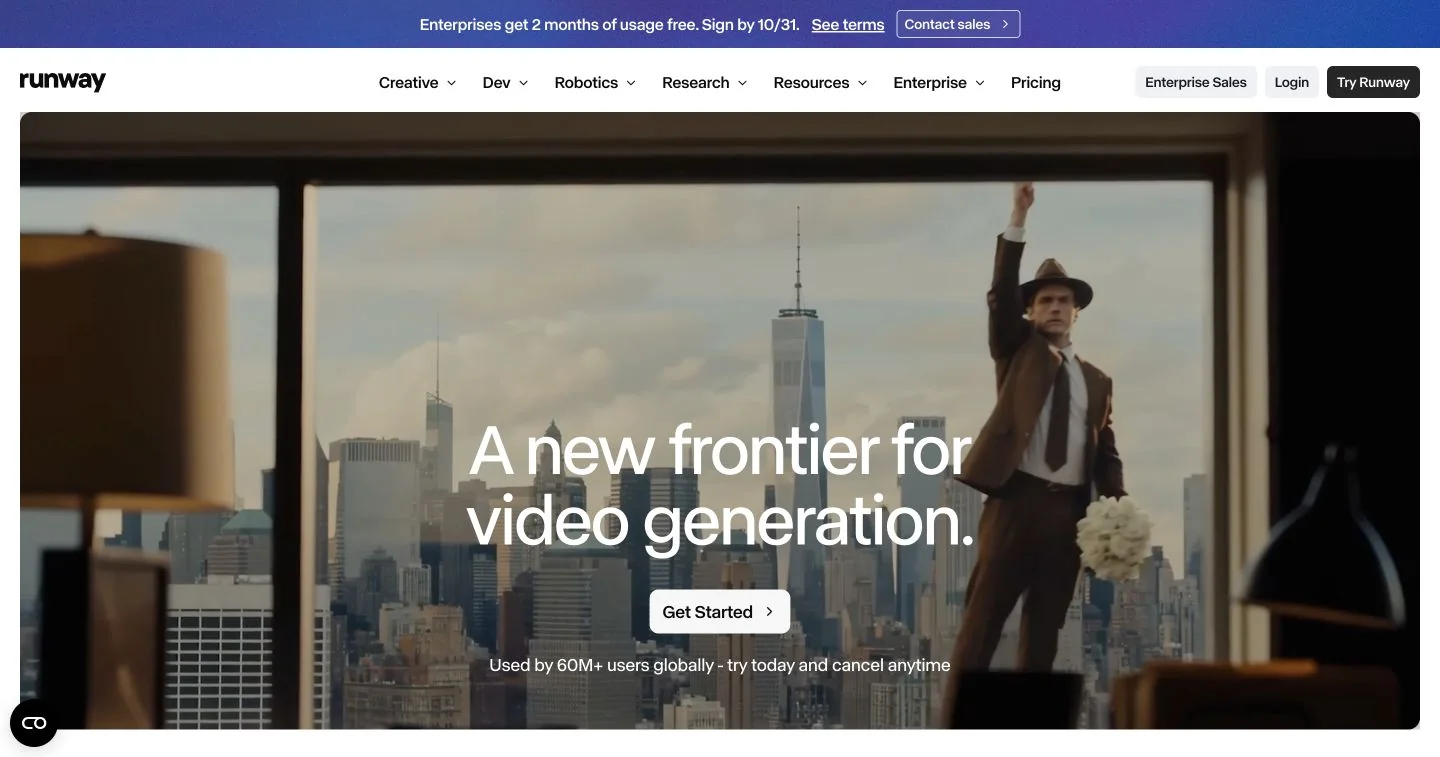
A cloud creative platform for generating and editing video, images and audio. A useful candidate for visual concepts, short motion sequences and production experiments.
What is Runway?
Runway Creative is a browser-based workspace for generating and editing visual media and audio. This profile focuses on making short video shots. The company also offers a developer platform, so a subscription used by a video creator should not be confused with API access for an application.
Its documented Gen-4.5 workflow supports both a written scene description and an image paired with a motion prompt. That gives you two different starting points: explore a shot from language, or animate an existing composition whose subject and framing you have already chosen.
Start with a single shot
For a first evaluation, we suggest a short product mood shot rather than an entire advertisement. Prepare a reference image you are permitted to use, decide what should move and choose the delivery format. Keep your initial brief narrow enough to judge whether the intended motion actually happened.
Runway’s guide distinguishes the prompts: image-to-video descriptions should concentrate on motion; text-to-video descriptions also need the visual scene. Review duration and aspect ratio before generating. Save promising outputs and change one instruction at a time so that the reason for an improvement remains clear.
Where it fits a production workflow
Our editorial shortlist would include filmmakers exploring shot ideas, designers testing animated concepts and small production teams preparing visual pitches. A useful deliverable is a selected sequence with a clear place in an edit, rather than a folder of impressive but unrelated clips.
Inspect the full movement, especially faces, hands, product markings and changes between frames. For a sequence, compare lighting, subject appearance and screen direction across shots. These checks are our suggested evaluation method; this profile does not claim that we generated, timed or independently rated the vendor’s models.
Budget for attempts, not just finished seconds
The free plan provides a limited, one-time credit allocation. Paid tiers add generation capacity and other capabilities. Runway documents different consumption rates across tools, with video costs affected by the selected model and duration. Include rejected takes and revisions when estimating a project, not only the length of the final edit.
Check current model availability, output formats and credit expiry or rollover rules before choosing a plan. The official billing guide explicitly separates creative-app credits from API credits. Our overview is based on public product documentation, and does not promise a particular output quality, generation speed or cost per usable shot.
What stands out
- Text-to-video and image-to-video generation
- Model-specific motion and output settings
- Image, video and audio tools in a shared workspace
- A separately billed developer API platform
Before you choose
- Model access and export options vary by subscription.
- Iteration consumes credits; budget for several attempts.
- Generated motion and continuity need close review.
Go to the source
Sources & further reading
Based on the official documentation below. Features and access can change; check the provider before making a decision.
- Runway Creative and developer product overview (opens in a new tab)
- Runway plans and current feature availability (opens in a new tab)
- Creating with Gen-4.5: inputs, prompts and output settings (opens in a new tab)
- Runway credit consumption, rollover and separate API billing (opens in a new tab)
- Free plan and its one-time credit allowance (opens in a new tab)